Tips and Tricks
Before the Exam
Important Instructions
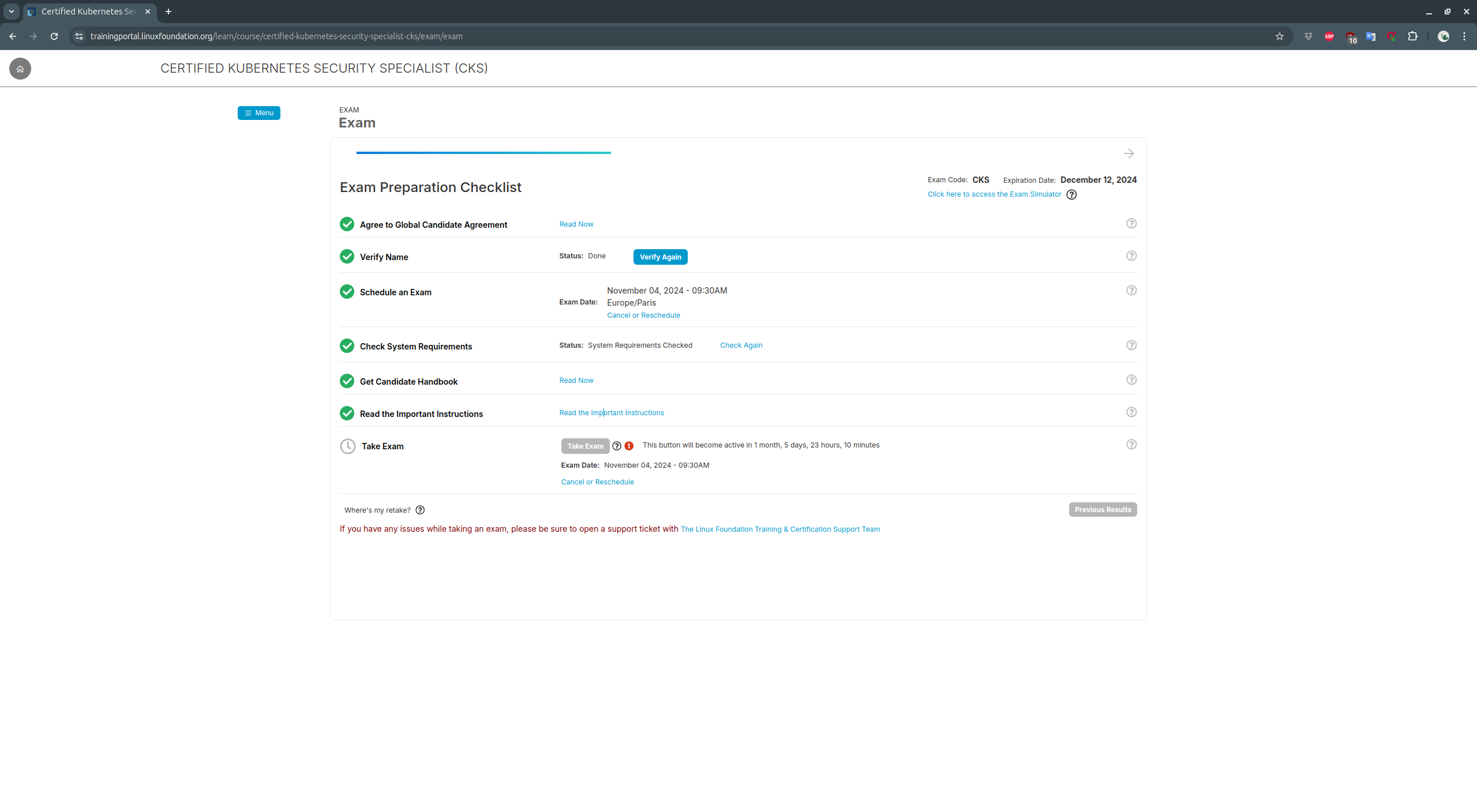
System Compatibility Check
All information is on this page of the Linux Foundation site, to be done a few days before the exam.
Simulators:
- Interactive online scenarios for CKA
- Interactive online scenarios for CKAD
- Two Simulator sessions are offered with CKA and CKAD, they are more complex than the actual exams and provide excellent training.
Documentation Access
For CKA and CKAD exams, you are allowed to use certain websites and documentation to search for terminology and find answers to your questions. Here are the authorized sites:
Developing good knowledge of these documents can help you gain agility and speed during the exam. Additionally, these documents will help you develop a solid foundation in Kubernetes. Use these sites only to search for concepts and tools, and prepare your answers. Also learn to use the search functions effectively throughout the K8s documentation and bookmark all relevant and useful pages.
On Exam Day
The commands described here will certainly be useful:
- kubectl Quick Reference from the official documentation (accessible during the exam)
- Essential kubectl commands
- Linux tips and tricks
Contexts
It is recommended to use kubectx in production but this tool is not available during the exam. Here are the main context management commands to know:
Pre-configuration
Once you have access to your terminal, it may be wise to spend about 1 minute configuring your environment. You can set these elements:
Vim
For vim to use 2 spaces for a tab, edit ~/.vimrc to add: